 AICal
AICal
Your day has more room than you think.
AICal shows the day you already have — and the open stretches in it. Ask in plain language for something to be planned. You confirm, and only then does it land.
Free to start · no ads · your calendar stays on your device
What makes AICal different
Not another packed to-do list — a planner that starts from the time you actually have.
Open stretches
See at a glance where your day still has room between appointments.
Confirm first
Nothing lands in your calendar unless you tap add. You stay in control.
Plan in plain language
Ask for “ninety minutes of focus tomorrow morning” — AICal turns it into a block.
Privacy first
Your calendar stays on your device. No tracking, no ads.
In the app
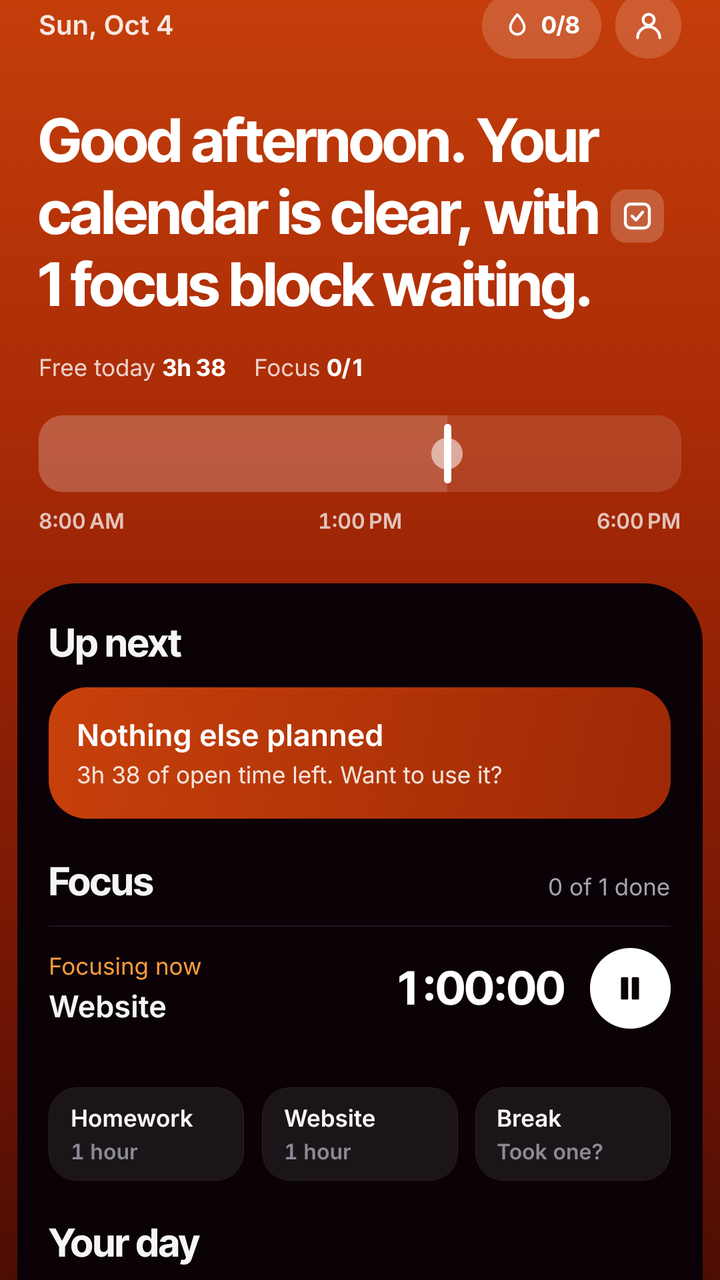
A day with AICal: the appointments you already have, the open stretches between them, and a proposal you confirm.
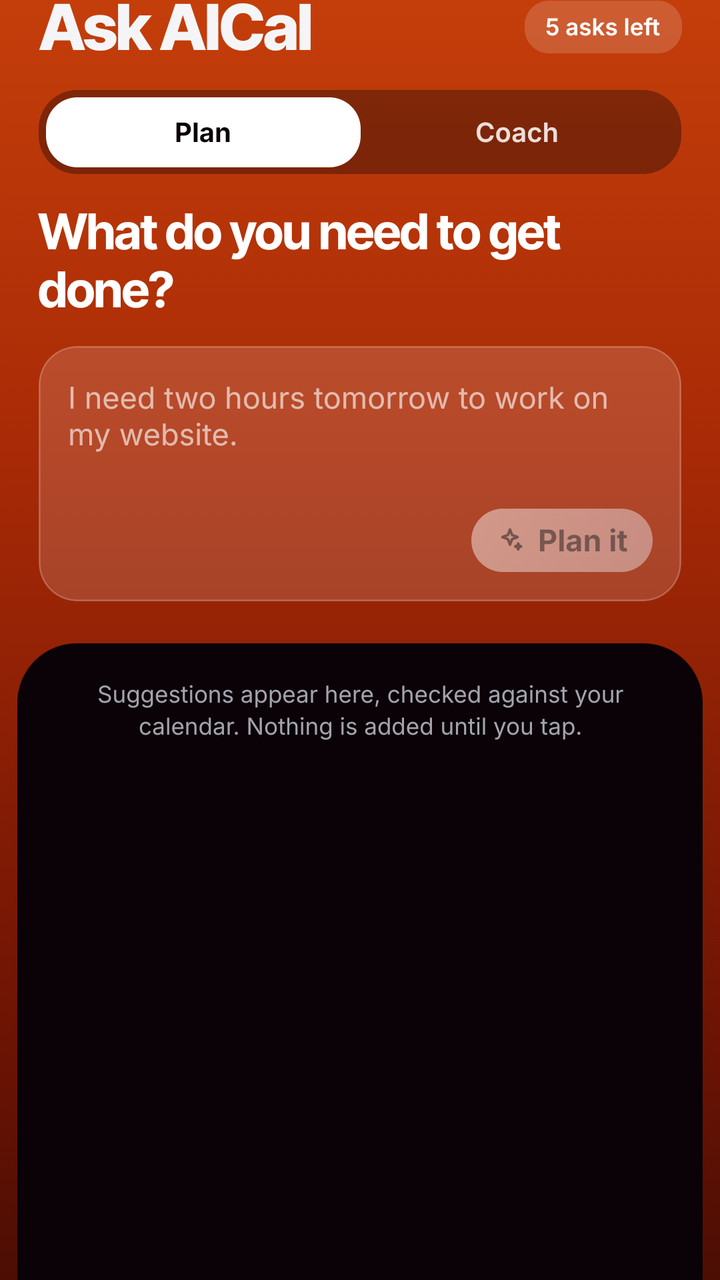

Ask, then confirm
One sentence in, a proposal out. AICal checks it against the calendar on your device — and nothing is added until you tap.
- 1You type a sentence
“Ninety minutes of focus, tomorrow morning.”
- 2AICal finds the space
It looks at tomorrow and shows the stretch that fits, with the exact time.
- 3You confirm
One tap and the block is in your calendar. Not before.
Proposal: Focus · 90 min · 09:15
How it works
Four steps, and your calendar stays yours throughout.
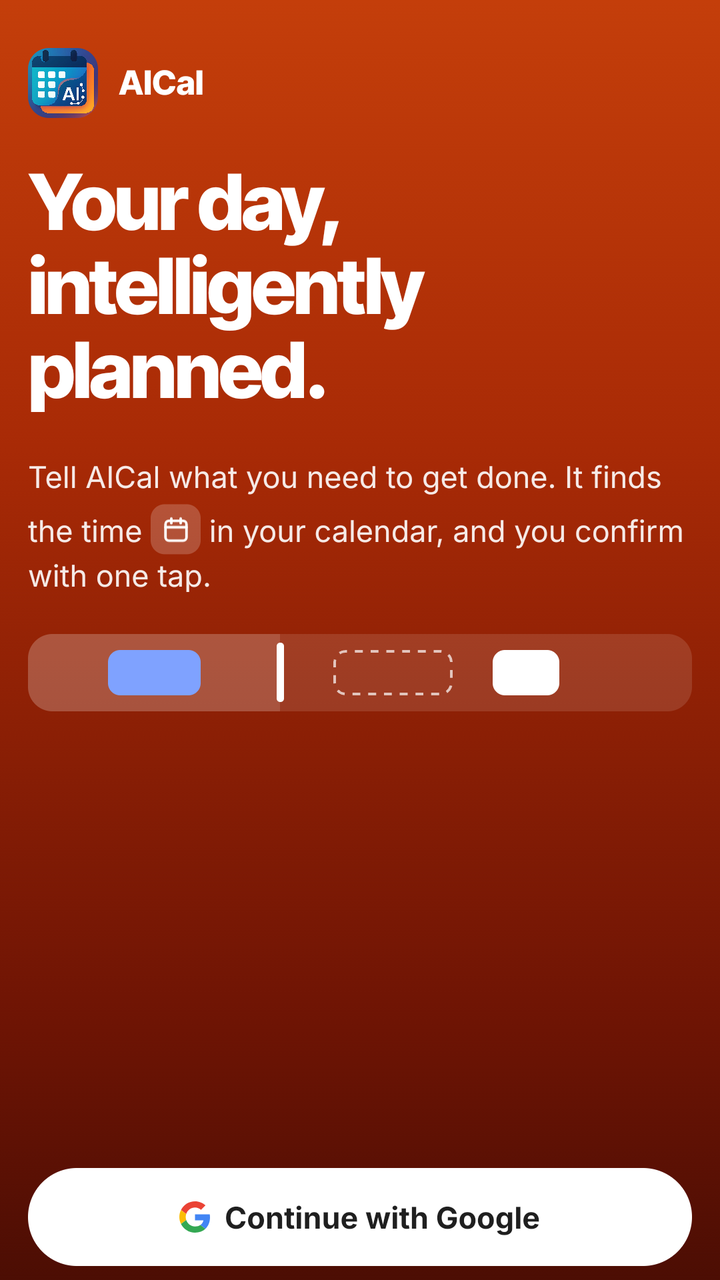
- 1Sign in
With Apple, Google or email. You choose the hours you want to plan inside.
- 2Connect your calendar, if you like
Apple Calendar on your iPhone or iPad. Skipping is fine — AICal works without it.
- 3See your day
AICal shows your appointments and the empty stretches between them, in one calm overview.
- 4Plan and confirm
Ask for a block, pick the moment, and tap add. You keep control.
Your calendar stays yours
Appointments are read and written through the calendar on your device. AICal uploads no titles, times or attendees. No tracking, no ads, no sale of personal data.
Smart help, with boundaries
Only the sentence you type is sent to turn it into a structured request — and only after you agree. Your calendar is not included, and the sentence is not kept.
Availability
AICal is coming soon for iPhone, iPad and Android.
Frequently asked questions
Does AICal work without calendar access?
Yes. You can use AICal fully without calendar access. You can turn that access on later in the settings of your iPhone or iPad.
Does AICal put things in my calendar by itself?
No. Nothing is added unless you confirm it. You tap add or save yourself.
How do I delete my account?
Open Settings in AICal (the profile button on Today), choose Delete account and confirm. It is described in full on the support page.
What does it cost?
AICal is free to use. There are no ads, and no data is sold. The AI features work inside a daily limit. If paid extras come later, they go through the App Store or Google Play — never outside the app — with the price in the store. That keeps AICal running and lets us keep building apps that really help.
Questions or ideas?
AICal is made by Stichting Le@f — we would love to hear what you think.
Email Stichting Le@f